The short answer
Keep every table's order on one open bill from the first drink, then split it at the end by item, by equal shares or by amount, and take each share by cash, MoMo or card with its own record. Merge or move bills when a group joins up or changes table, and let only a manager remove anything already ordered.
Key takeaways
- Open the bill when the table sits down and add to it as they order.
- Split by item, by equal shares or by amount, whichever the group asks for.
- Each part payment needs its own record: a MoMo transaction ID for every MoMo share.
- Merge bills when tables join; move a bill when a group changes table.
- Open tabs need a name, a limit you are comfortable with and a check before closing time.
"We are paying separately" is one of the most common sentences at a restaurant table, and one of the slowest moments of the night if your system cannot handle it. Five friends, one bill, three paying MoMo, one cash, one with a card, and someone who only had a Malt. Done with a calculator and the back of the bill, it takes ten minutes and usually comes out wrong by a few cedis.
Here is how to make splits, merges and tabs routine.
Why keep one open bill per table?
The bill should be built as the table orders, not written at the end. Open it when the table sits down, add each dish and drink when it is ordered, and the bill is complete the moment they ask for it.
This matters for more than speed. An open bill means:
- every item reached the kitchen or the bar from the same record,
- nothing is forgotten because it was ordered an hour ago,
- the server cannot "lose" a round of drinks between ordering and paying.
If your servers write orders on paper and the cashier types them up later, the bill and the kitchen work from two different lists, and they will not always agree.
What are the ways to split a bill?
There are three common ways, and a good till handles all three without a calculator.
| Split type | When to use it | Example |
|---|---|---|
| By item | Each person pays for what they ate | Ama pays for her banku and tilapia, Kofi for his fried rice and two beers |
| Equal shares | The group wants to share evenly | GH₵480 between 4 people is GH₵120 each |
| By amount | One person pays a fixed amount, the rest is shared | Kwame pays GH₵200, the other two split what is left |
Source: Example figures
Splitting by item is the fairest and the one people ask for most when drinks are uneven. Splitting equally is fastest. Whichever you use, the shares must add up to the bill exactly, and the till should refuse to close the bill until they do.
What about tax on a split bill?
If you are VAT-registered and your prices include tax, each share includes its part of the VAT, NHIL and GETFund. Splitting does not change the tax on the whole bill. It only changes who pays which part. For the tax itself, read tax on restaurant receipts in Ghana.
How do you take part cash and part MoMo?
Take each payment separately and record each one properly. A cash share is counted into the drawer. A MoMo share needs its own transaction ID, written against that payment, so it can be matched to your wallet at the end of the day. A card share is recorded as card.
GH₵480.00
- MoMoGH₵250.00 (52.1%)
- CashGH₵130.00 (27.1%)
- CardGH₵100.00 (20.8%)
Source: Example figures
The common mistake is one MoMo transfer covering two people's shares, or two transfers recorded as one. Ask each MoMo payer to send their own share and read out the transaction ID, then type it in. Our guide on reconciling Mobile Money at the end of the day shows why the ID matters.
When should you merge or move a bill?
Merge when two tables become one group: the friends at table 4 join the friends at table 5 and one person wants to pay for both. Merging puts both orders on one bill, so nothing is retyped and nothing is missed.
Move when a group changes table: they started at the bar and moved to the garden, or you need their table for a bigger group. Moving takes the open bill with them, so the next guests at the old table start clean.
Without merge and move, staff tend to close one bill and type the items again on another. That is where items disappear, and it leaves a void in the record that nobody can explain later.
How do you run open tabs at a bar?
A tab is an open bill that stays open while a customer keeps ordering, usually at the bar, and is paid at the end. Tabs keep the drinks flowing, but they need rules:
- Open the tab under a name and a phone number
- Agree a limit you are comfortable with for people you do not know
- Add every round as it is poured
- Show the running total when the customer asks
- Check all open tabs an hour before closing
- Close every tab before cash-up
A tab that is not closed by the end of the night is a debt. If you allow regulars to settle tomorrow, record it as sales on credit to that customer, so it shows on their balance and does not vanish from the till.
What stops mistakes and tricks with split bills?
Every change to a bill should leave a record, and removing anything should need a manager. Splits are a busy moment, which makes them an easy moment to remove an item "by mistake" and pocket the cash.
- Only managers remove ordered items. A server can add, not take away.
- Read the void list at cash-up. A pattern of removed beers at one server's tables is worth a conversation.
- Print or send the final bill. A customer with a receipt on WhatsApp or paper is your check that the bill matched what they paid.
For the full set of controls, read how to stop theft by waiters and cashiers.
How does MPOS handle bills and tabs?
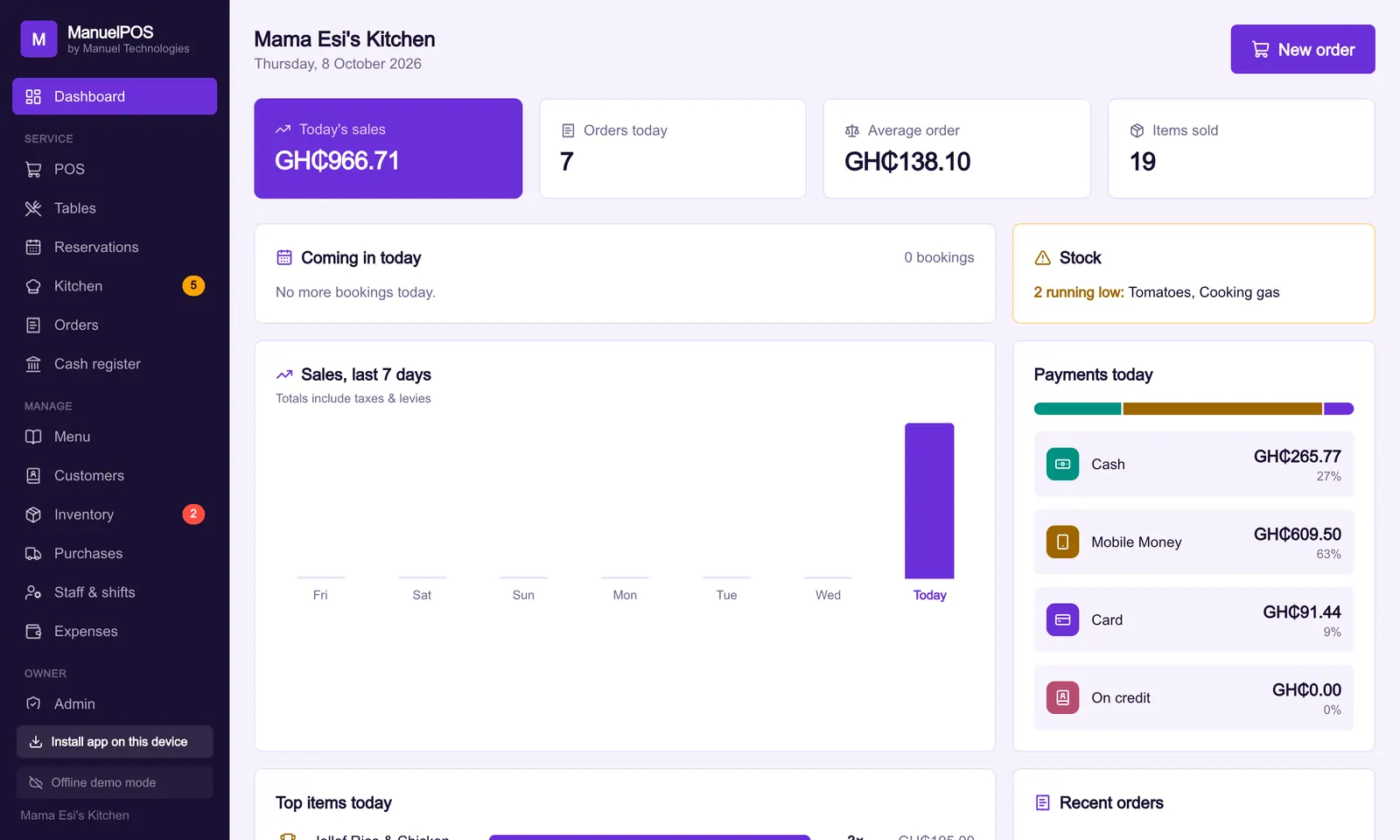
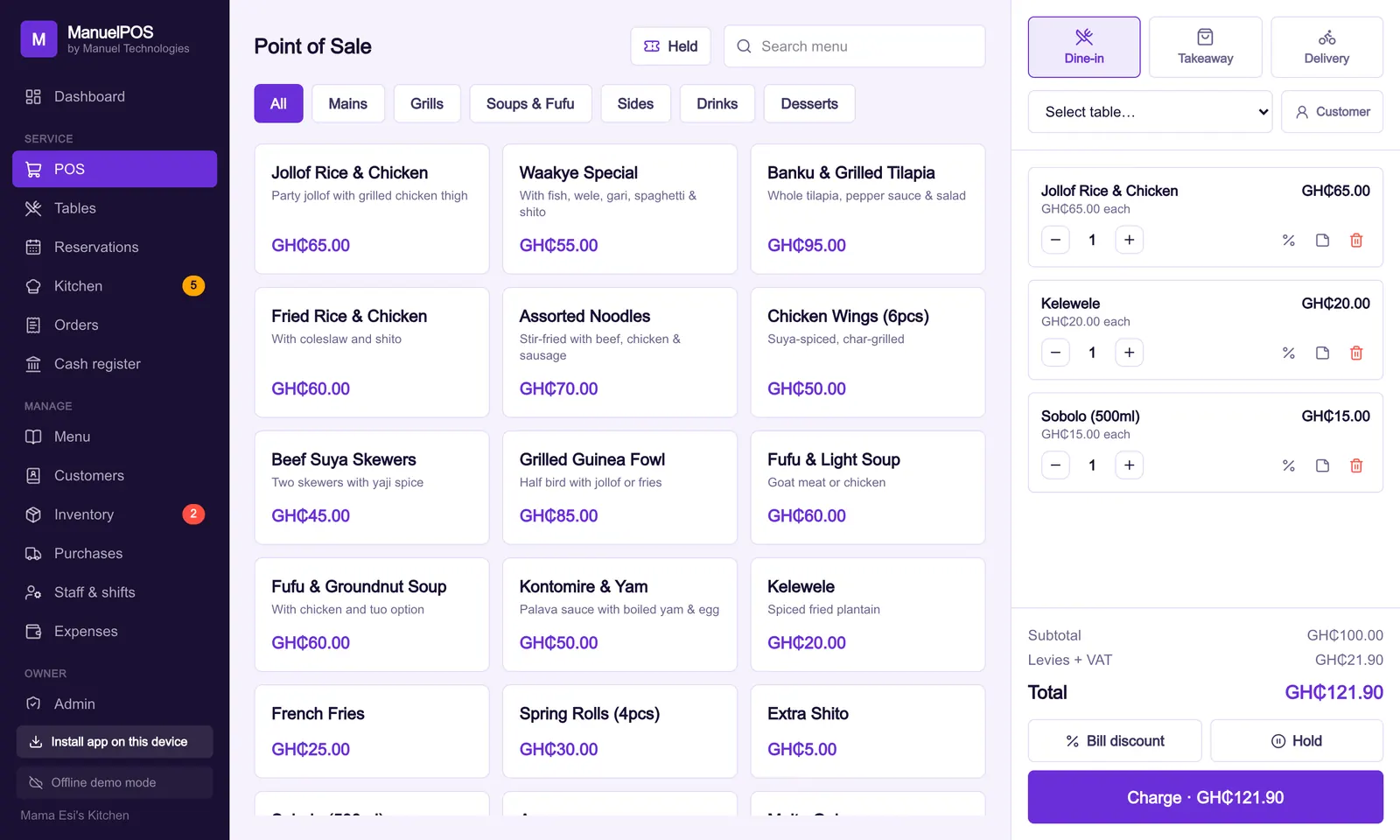
MPOS keeps an open bill for every table on a live table plan; set the bar up as a table to run tabs there. You can split chosen items off onto a new bill, merge two tables' bills, and move a bill to another table. For equal shares or a fixed amount, take one bill as a split payment, with each part by cash, MoMo with its transaction ID, card or on credit; the bill only closes when the parts add up. Voids and big discounts need a manager, and every one is in the activity log. Receipts print on a thermal printer or go by WhatsApp.
For the rest of a busy night, see running a busy chop bar and the complete guide to running a restaurant in Ghana. To try a split on your own menu, start a free trial.
See it with your own products
Free for 14 days. No card needed. Works on the phone or laptop you have.
FAQ
Frequently asked questions
Quick answers to what business owners ask us about this.
How do I split a bill at a restaurant?
Split by item when people want to pay for what they ate, into equal shares when they want to share evenly, or by amount when one person pays a fixed sum. The shares must add up to the bill exactly before it is closed.
Can a customer pay part cash and part MoMo?
Yes. Take each part as its own payment. Count the cash into the drawer and record the MoMo transaction ID against the MoMo part, so it can be matched to your wallet later.
What does merging bills mean?
Merging puts two tables' open orders onto one bill, for example when two groups join and one person pays for both. Nothing has to be typed again.
How do I manage bar tabs safely?
Open each tab under a name and phone number, set a limit for people you do not know, add rounds as they are poured, and close every tab before cash-up. Anything left unpaid should be recorded as credit to that customer.
Does splitting a bill change the VAT?
No. If your prices include tax, each share includes its part of the VAT, NHIL and GETFund. The tax on the whole bill stays the same.
Still have a question?
Talk to the team on WhatsApp: real people in Ghana who know your kind of business.
About the author
Emmanuel Akyeam is the founder of Manuel Technologies in Ghana, which builds MPOS: the till, bookings and stock system for restaurants, salons, barbershops and shops. He works directly with business owners to set up their systems.
You may also like
- Restaurants
How to cost a plate and set menu prices for a restaurant in Ghana
A worked GH₵ example for costing a plate of jollof and chicken, choosing a food-cost target, and setting a menu price that still pays you after tax.
21 October 2026 · 7 min read
- Restaurants
How to control ingredient stock and kitchen waste in a restaurant
A simple weekly routine for rice, oil, chicken and drinks: count, compare usage with sales, keep a waste sheet, and buy to what you really sell.
21 October 2026 · 6 min read