The short answer
To reconcile Mobile Money, record the transaction ID on every MoMo sale, then at closing tick each ID off against your MoMo statement for the day. Any sale without a matching payment, or payment without a sale, is chased the same day.
Key takeaways
- Never treat an SMS as proof of payment. Check the money has arrived in your wallet.
- Record the MoMo transaction ID on every sale, so each payment can be matched later.
- Reconcile daily, not monthly: a missing payment is easy to chase today and hard next month.
- Count cash and MoMo separately when you close the till.
Mobile Money has made selling easier, but it has also created a new kind of gap: the sale that was "paid by MoMo" but never actually arrived. Sometimes it is an honest mistake, such as a payment sent to the wrong number or a failed transfer. Sometimes it is a fake payment message. Either way, you only find out if you check.
The good news is that checking takes a few minutes a day once you have a routine.
Why do MoMo payments go missing?
Most gaps come from a handful of causes:
- Fake confirmation messages. A customer shows an SMS that looks like a MoMo confirmation, but it was typed or forwarded, not sent by the network.
- Wrong number. The customer sends the money to a similar number, or to an old wallet you no longer use.
- Failed or pending transfers. The customer saw "pending", assumed it went through, and left.
- Staff mistakes. A cash sale gets recorded as MoMo, or the other way round, so the drawer and the wallet both look wrong.
- Theft. A staff member records a cash sale as MoMo and keeps the cash.
Rule one: the SMS is not the payment
The only proof that you have been paid is the money in your wallet. A message on the customer's phone, or even on yours, can be faked. For bigger amounts especially, check your MoMo balance or your transaction history before handing over goods.
Train every cashier on this. Put a short note by the till: "Check the wallet, not the message."
Rule two: record the transaction ID
Every MoMo payment has a transaction ID. Write it down on the sale, every time. With the ID recorded, matching becomes a quick tick-list instead of guesswork. Without it, all you have is a list of amounts, and two GH₵50 payments look exactly the same.
What is a good closing routine?
- Close the till. Count the cash and compare it to what the system says should be there.
- Open your MoMo statement for the day: the app or the statement from your network.
- Go down the list of MoMo sales and tick each transaction ID you find on the statement.
- Look at what is left. A sale with no matching payment needs chasing today, while the cashier still remembers the customer.
- Look the other way too. A payment on the statement with no matching sale may be a sale that was never recorded.
Done daily, this takes minutes. Done once a month, it takes an afternoon and you will never recover some of the money.
Keep wallets separate
If you can, use a merchant account or a wallet only for the business. Mixing personal and business MoMo makes every reconciliation harder, and makes it impossible to see what the business really earned.
If you have several wallets (for example MTN MoMo and Telecel Cash), record which one each payment went to.
How does ManuelPOS help?
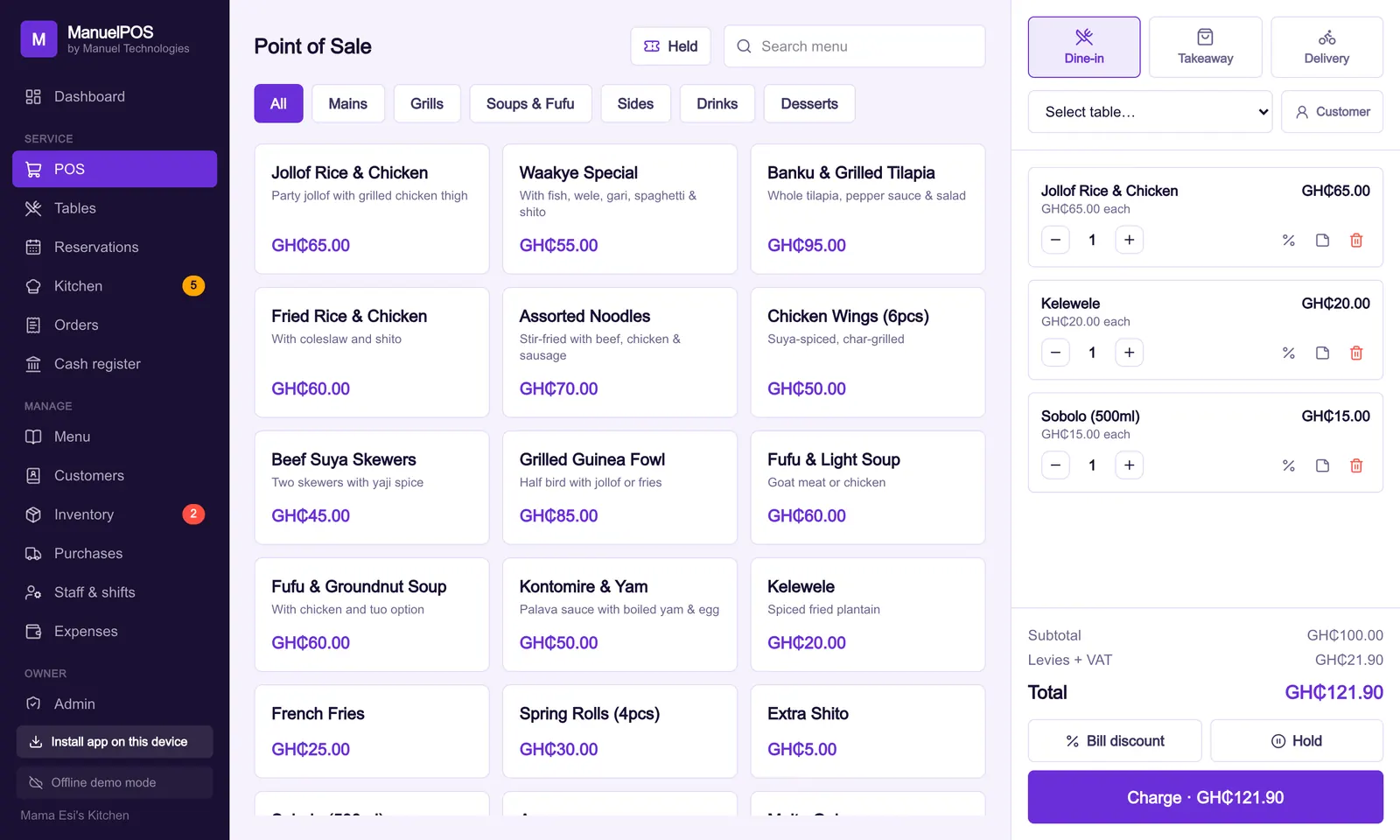
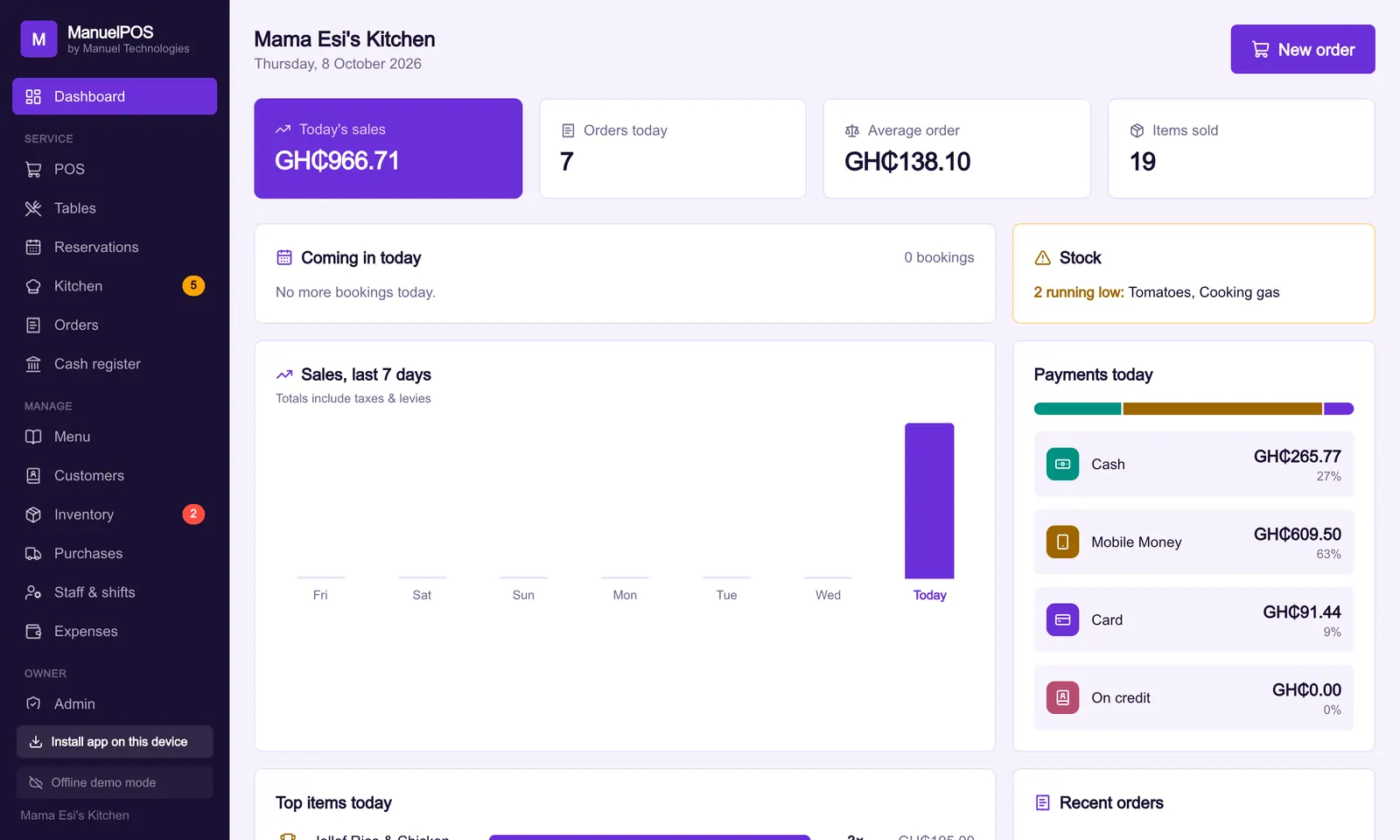
ManuelPOS shows your own MoMo numbers at the till so customers pay the right wallet. The cashier records the transaction ID with each payment, and the money goes straight to you, with no payment company in the middle. When you close the till, cash and MoMo are counted separately, and the monthly report lists every MoMo payment with its ID so you can tick them off against your statement.
Every void and change is also recorded against the person who made it, so you can see who did what.
Try it free for 14 days, or read how to choose a POS system.
See it with your own products
Free for 14 days. No card needed. Works on the phone or laptop you have.
FAQ
Frequently asked questions
Quick answers to what business owners ask us about this.
How can I tell if a MoMo payment message is fake?
Do not rely on the message. Check your wallet balance or transaction history in your network's app or by dialling your MoMo menu. If the money is not there, you have not been paid.
What is a MoMo transaction ID?
It is the unique reference number the network gives each transfer. It appears in the confirmation and on your statement, which makes it the easiest way to match a sale to a payment.
How often should I reconcile MoMo?
Every day. Missing payments are much easier to chase on the same day than weeks later.
Does ManuelPOS take a fee on MoMo payments?
No. Customers pay straight into your own wallet or merchant account. ManuelPOS only records the payment and its transaction ID.
Still have a question?
Talk to the team on WhatsApp: real people in Ghana who know your kind of business.
About the author
Emmanuel Akyeam is the founder of Manuel Technologies in Ghana, which builds ManuelPOS: the till, bookings and stock system for restaurants, salons, barbershops and shops. He works directly with business owners to set up their systems.
You may also like
- Running a business
Ghana VAT in 2026: what changed on your receipts
From 1 January 2026, VAT, NHIL and GETFund are charged on the same price, the COVID-19 levy is gone and the flat rate scheme has ended.
12 October 2026 · 4 min read
- Running a business
How to choose a POS system for your business in Ghana
Ten questions to ask before you pay for a till system, from what happens when the network goes off to who can see your profits.
10 October 2026 · 5 min read