The short answer
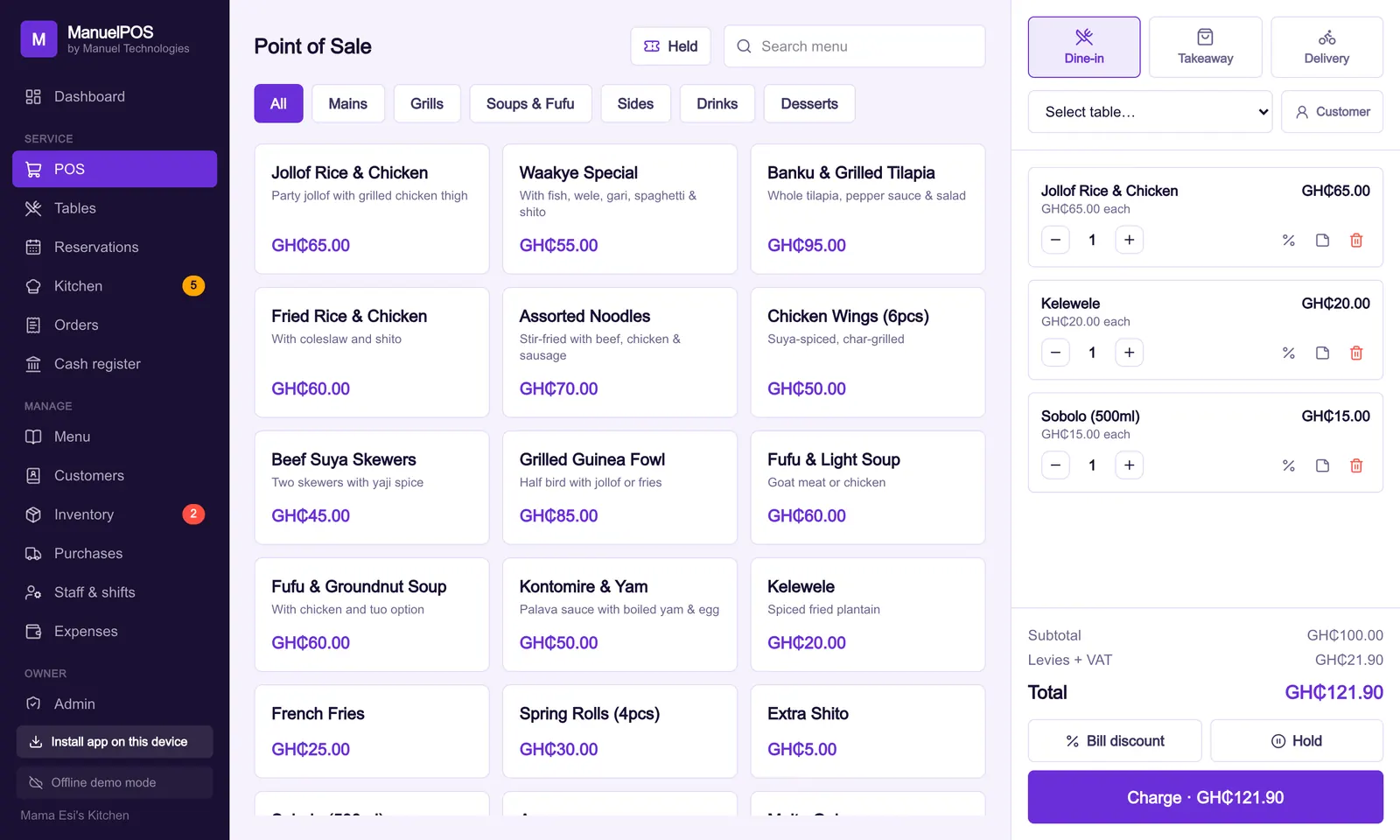
A busy chop bar runs smoothly when every order reaches the kitchen in writing the moment it is taken, servers can see the state of every table, food is marked ready then served, and WhatsApp orders come from your real menu with the table number attached.
Key takeaways
- Every order should reach the kitchen in writing, the moment it is taken.
- A live table view stops the 'who is serving table 6?' problem.
- Mark food 'ready' so servers collect it hot and the kitchen can see what is waiting.
- Let customers order from your menu on WhatsApp, with the table number attached.
Friday night at a popular chop bar: every table full, takeaway customers waiting, the phone buzzing with WhatsApp orders, and the kitchen shouting for whoever ordered the banku. When things go wrong on nights like this, it is rarely the cooking. It is the information: orders not written down, tickets lost, food going cold on the counter, and a bill that does not match what the table ate.
Here is how to keep the flow under control.
Get every order to the kitchen in writing
Orders shouted across the room get forgotten or mixed up. Every order should reach the kitchen in writing the moment it is taken, with notes such as "no pepper" or "extra shito" attached to the right dish.
A kitchen screen does this without paper. Orders appear as they are rung up, the oldest first, with a timer so the kitchen can see which table has waited longest.
Know the state of every table
Servers should be able to see, at a glance, which tables are free, which are eating and which are waiting to pay. A live table plan also stops two servers taking the same table, or nobody taking it.
When a table is ready to pay, the bill should already be complete, because every dish was added as it was ordered.
Mark food ready, then served
When the kitchen finishes a dish, it marks it ready. The server sees it, collects it and marks it served. This short loop means food goes out hot, servers stop crowding the kitchen door, and the kitchen can see what is still waiting.
How do you take WhatsApp orders without chaos?
Many customers would rather send a WhatsApp message than wait for a server or queue at the counter. The problem is that free-text messages are easy to misread and hard to track.
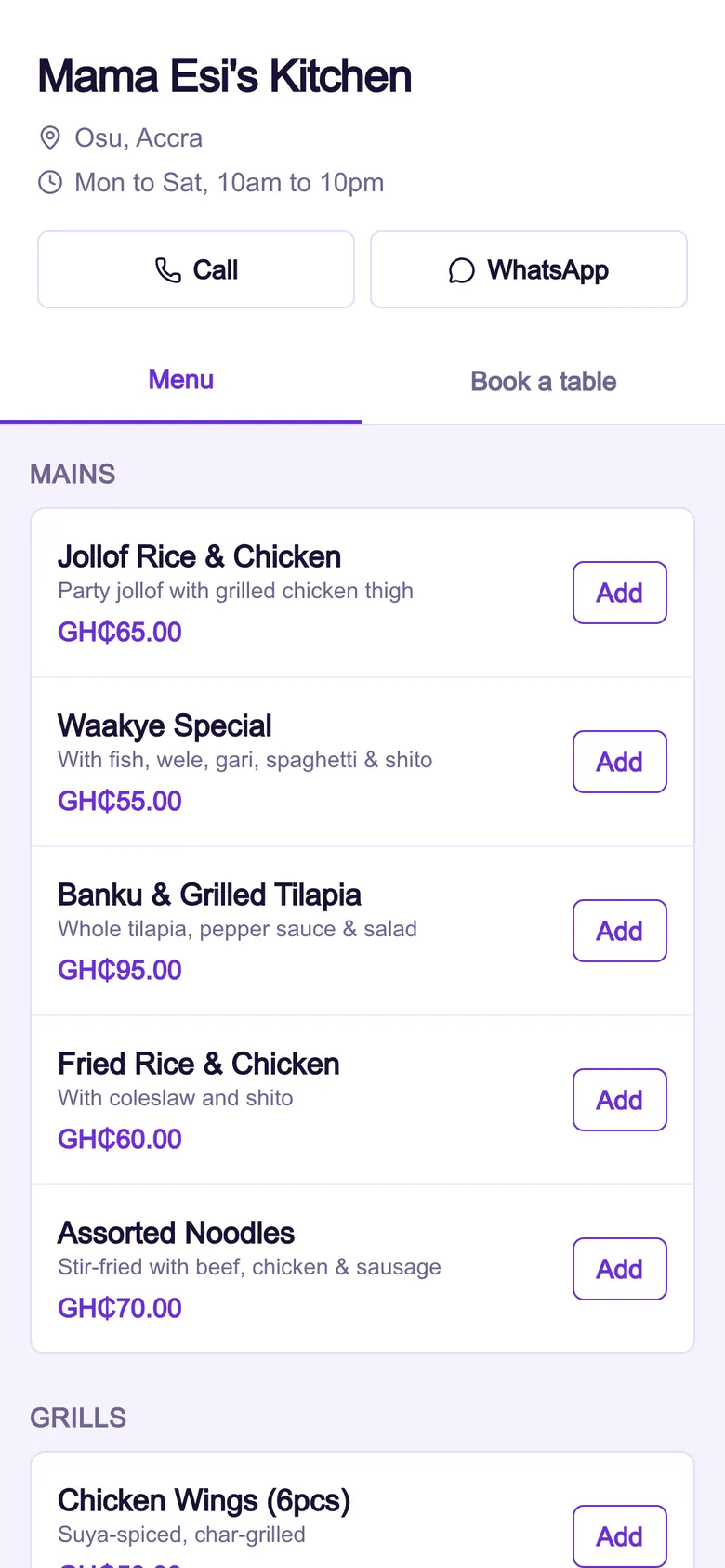
The fix is a menu page customers open from a QR code on the table or a link in your WhatsApp status. They choose from your real menu with real prices, and the order arrives on your WhatsApp already listed, with the table number if they scanned a table QR code. A cashier rings it up once, and it goes to the kitchen like any other order.
Split bills and mixed payments
Groups often want to split the bill or pay part cash, part MoMo. Your till should handle both without a calculator, and record the MoMo transaction ID for each payment.
Close the night properly
At the end of the night, count the cash, check MoMo against the transaction IDs, and read the void list. Then look at what sold: the items that sold out early, and the ones nobody ordered. That is the data that improves next week's menu and shopping.
How does ManuelPOS help a chop bar?
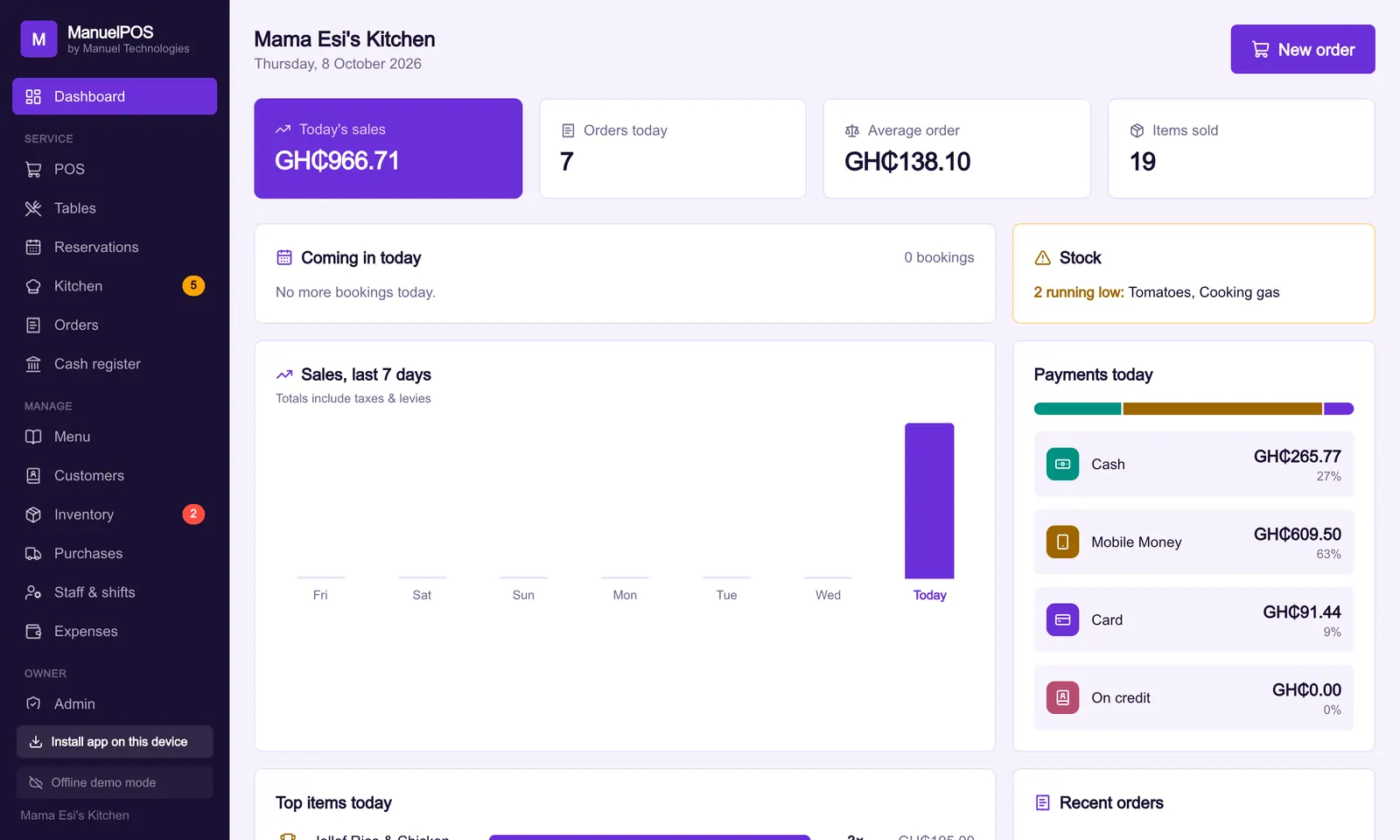
ManuelPOS has a live table plan, a kitchen screen with timers and ready and served states, item notes, split bills and mixed payments. Every restaurant gets its own menu page at a web address like yourname.mpos.bz, with QR codes for each table. Guests order on WhatsApp from your real menu, tagged with their table, and book tables online.
Start a 14-day free trial with your own menu, or read how to choose a POS system.
See it with your own products
Free for 14 days. No card needed. Works on the phone or laptop you have.
FAQ
Frequently asked questions
Quick answers to what business owners ask us about this.
Do I need a separate screen for the kitchen?
No. Any tablet, phone or laptop in the kitchen can show the kitchen screen. Orders appear on it as soon as they are rung up.
Can customers order from their table?
Yes. Each table gets its own QR code. Customers scan it, choose from your menu and send the order on WhatsApp with their table number attached.
Can I take reservations?
Yes. ManuelPOS keeps bookings by date, a waitlist for walk-ins, and lets guests request a table from your online page.
Still have a question?
Talk to the team on WhatsApp: real people in Ghana who know your kind of business.
About the author
Emmanuel Akyeam is the founder of Manuel Technologies in Ghana, which builds ManuelPOS: the till, bookings and stock system for restaurants, salons, barbershops and shops. He works directly with business owners to set up their systems.
You may also like
- Running a business
Ghana VAT in 2026: what changed on your receipts
From 1 January 2026, VAT, NHIL and GETFund are charged on the same price, the COVID-19 levy is gone and the flat rate scheme has ended.
12 October 2026 · 4 min read
- Running a business
How to choose a POS system for your business in Ghana
Ten questions to ask before you pay for a till system, from what happens when the network goes off to who can see your profits.
10 October 2026 · 5 min read