The short answer
Choose a POS system that keeps selling without internet, records Mobile Money transaction IDs, works out the 2026 GRA taxes, gives every staff member their own login, and lets you try it free with your own products first.
Key takeaways
- A POS system should keep selling when the internet drops, then catch up by itself.
- Mobile Money is most of your takings, so the system must record MoMo transaction IDs, not just 'MoMo'.
- Every staff member needs their own login, and only you should see profits.
- Ask what you pay once, what you pay every year, and what happens if you stop paying.
- Try it with your own products before you pay anything.
On this page11 sections
- 011. What happens when the internet goes off?
- 022. How does it handle Mobile Money?
- 033. Does it work out tax correctly?
- 044. Can each person have their own login?
- 055. Will it show you what your staff are doing?
- 066. Does it fit your kind of business?
- 077. Can you check on the business from anywhere?
- 088. What does it really cost?
- 099. Who do you call when something goes wrong?
- 1010. Can you try it with your own products first?
- 11How do the options compare at a glance?
A point of sale system is more than a receipt printer. Done well, it tells you what sold, who sold it, how much cash should be in the drawer, and what is running out, from wherever you are. Done badly, it slows down your queue, loses sales when the network drops, and gives you numbers you cannot trust.
Most systems look similar in a demo. The differences show up on a busy Friday night, during a power cut, or at the end of the month when the figures do not match. These are the questions worth asking first.
1. What happens when the internet goes off?
In Ghana this is the first question, not the last. Data runs out, the network drops, the light goes off and the router with it. A cloud-only system that stops selling without internet will cost you customers.
Ask for a demonstration with the Wi-Fi switched off. The till should keep selling, keep printing or sharing receipts, and upload everything automatically when the connection returns, without anyone pressing a button.
2. How does it handle Mobile Money?
For many businesses, MoMo is now most of the day's takings. "Paid by MoMo" is not enough. The system should let the cashier record the transaction ID, so that at the end of the day or month you can tick each payment off against your MoMo statement.
Also ask where the money goes. Some systems route payments through a third party that takes a fee and holds your money for days. If you want payments going straight into your own wallet or merchant account, check that the system allows it.
3. Does it work out tax correctly?
Since 1 January 2026, VAT, NHIL and GETFund are each charged on the same price, and the COVID-19 levy is gone. A system still using the old method overcharges every customer. Ring up a GH₵100 test sale: a VAT-registered business should see GH₵120.00. If you are not VAT-registered, you should be able to switch tax off. Our guide to the 2026 VAT changes explains it in full.
4. Can each person have their own login?
A shared password means you never know who voided a sale or gave a discount. Every staff member should sign in as themselves, and each role should only see what it needs. A cashier sells. A manager approves discounts and voids. Only the owner sees profit and the full reports.
5. Will it show you what your staff are doing?
Ask to see the void and discount reports. You want to know who cancelled what, when and why. The best systems keep this record automatically and do not let staff delete it.
6. Does it fit your kind of business?
A chop bar needs tables and a kitchen screen. A barbershop needs appointments, a walk-in queue and commission per barber. A mini-mart needs barcode scanning, suppliers and stock levels. Be wary of systems built for one kind of business and stretched to fit yours.
7. Can you check on the business from anywhere?
If you have to be standing at the till to see today's sales, the system is not giving you control. You should be able to open the day's figures on your phone from home, from another branch or from abroad.
8. What does it really cost?
Ask three separate questions:
- What do I pay once to start?
- What do I pay every year or every month after that?
- What happens if I stop paying? Do I lose my data? Does the till stop?
Monthly subscriptions add up, and many Ghanaian owners prefer a one-time licence with a small yearly fee for cloud backup and support. Whatever the model, get it in writing. We explain the trade-offs in one-time licence or monthly subscription.
9. Who do you call when something goes wrong?
Software support from another continent, by email only, is not much help at 7pm on a Saturday. Ask who supports you, how (WhatsApp, phone, in person) and how quickly.
10. Can you try it with your own products first?
A demo with someone else's menu proves very little. Ask for a free trial and use it for real: put in your own items, ring up a day's sales, close the till, and read the report. If the figures make sense to you, it is a good sign.
How do the options compare at a glance?
| Question | What good looks like |
|---|---|
| Internet off | Keeps selling, syncs by itself |
| Mobile Money | Records transaction IDs, money to your own wallet |
| Tax | 2026 rules, can be switched off if not registered |
| Staff | Own logins, roles, voids need a manager |
| Your industry | Screens built for your kind of business |
| Remote access | Today's sales on your phone |
| Cost | Clear one-time and yearly amounts, data never held hostage |
| Support | Local, on WhatsApp |
| Trial | Free, with your own products |
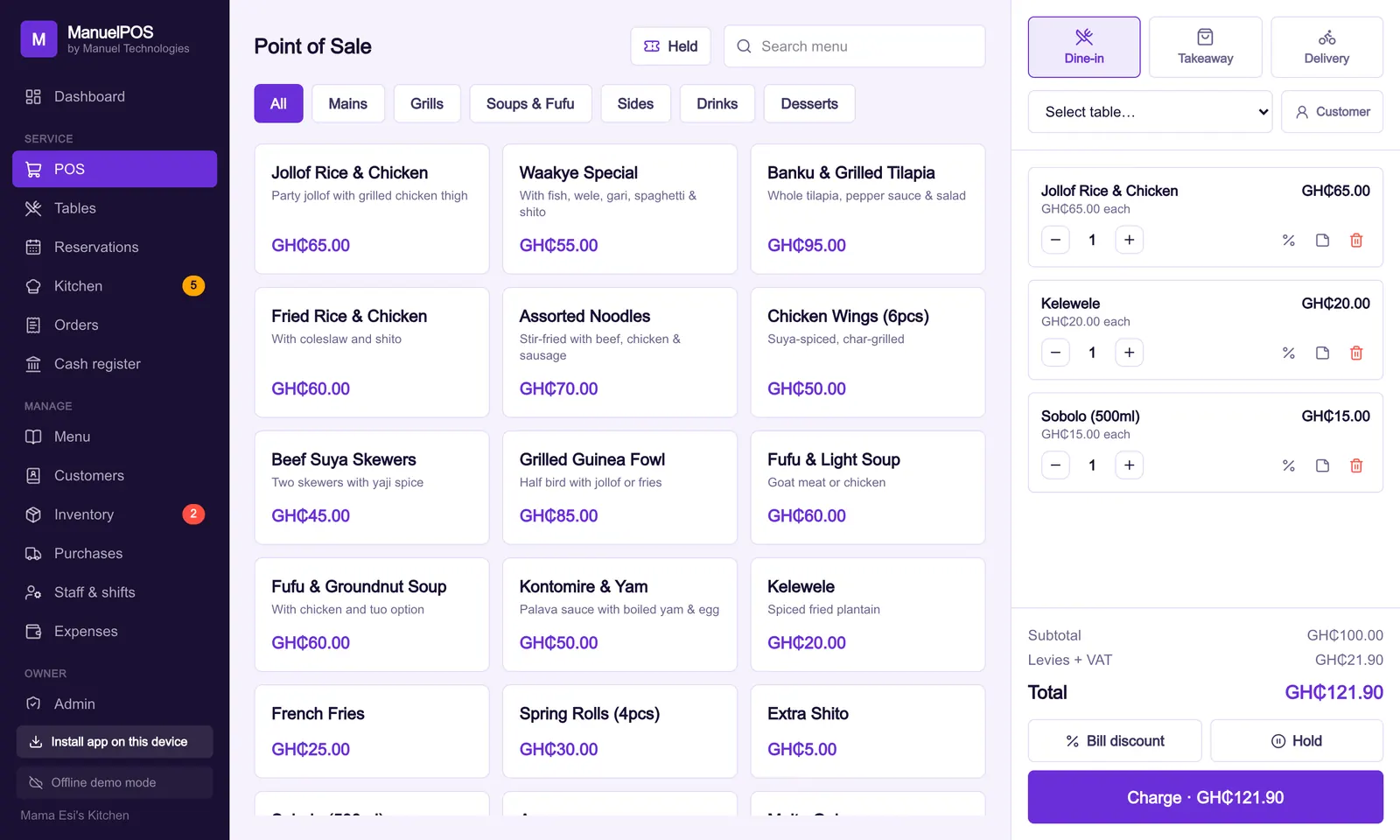
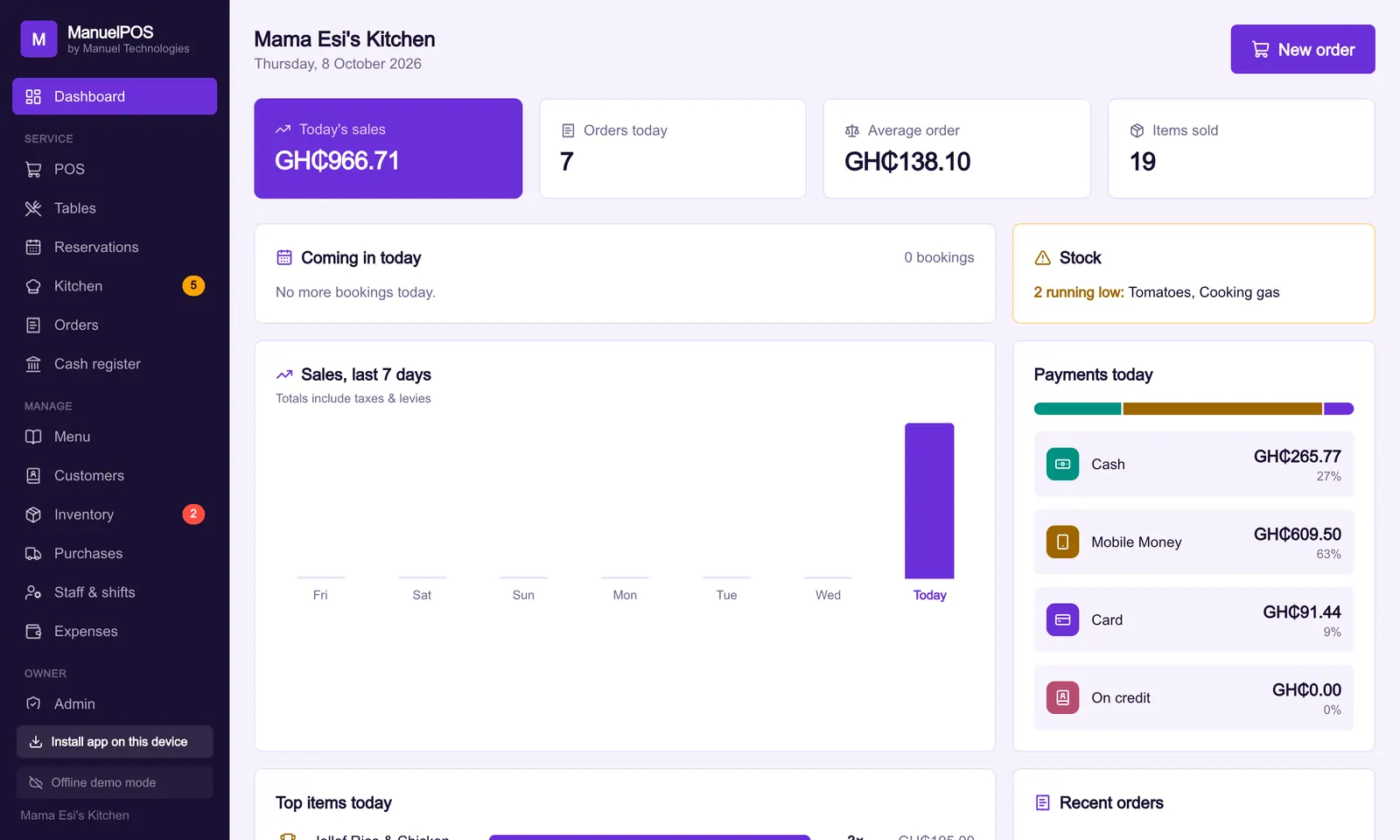
ManuelPOS was built in Ghana around exactly these questions. You can try it free for 14 days with your own products, or see how our pricing works.
See it with your own products
Free for 14 days. No card needed. Works on the phone or laptop you have.
Sources
FAQ
Frequently asked questions
Quick answers to what business owners ask us about this.
Do I need special hardware for a POS system?
Not always. ManuelPOS runs on an Android phone, a tablet or a laptop you already have. You can add a receipt printer and a barcode scanner later if you need them.
Is a cloud POS safe if my internet is unreliable?
Yes, if it is built to work offline. ManuelPOS saves every sale on the device first and uploads it when the connection returns, so nothing is lost.
How long does it take to set up?
Most small businesses can start selling the same day. Adding your items takes the longest; we can help you load them.
Can I use one system for two branches?
Yes. ManuelPOS keeps separate tills and stock per branch and lets you compare them from one login.
Still have a question?
Talk to the team on WhatsApp: real people in Ghana who know your kind of business.
About the author
Emmanuel Akyeam is the founder of Manuel Technologies in Ghana, which builds ManuelPOS: the till, bookings and stock system for restaurants, salons, barbershops and shops. He works directly with business owners to set up their systems.
You may also like
- Running a business
Ghana VAT in 2026: what changed on your receipts
From 1 January 2026, VAT, NHIL and GETFund are charged on the same price, the COVID-19 levy is gone and the flat rate scheme has ended.
12 October 2026 · 4 min read
- Running a business
How to reconcile Mobile Money payments at the end of the day
A simple daily routine for matching MoMo payments to sales, spotting fake payment messages and closing the till with confidence.
8 October 2026 · 3 min read