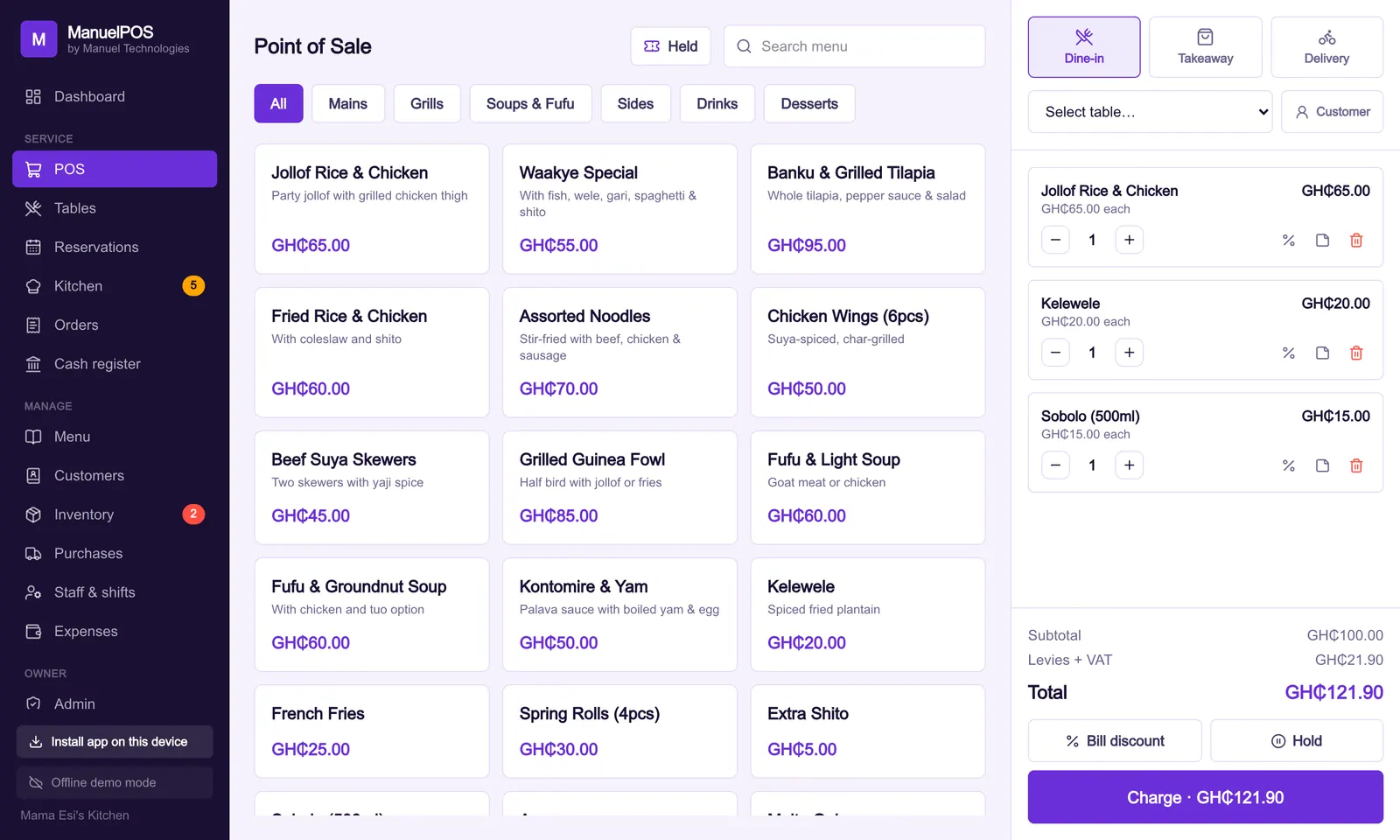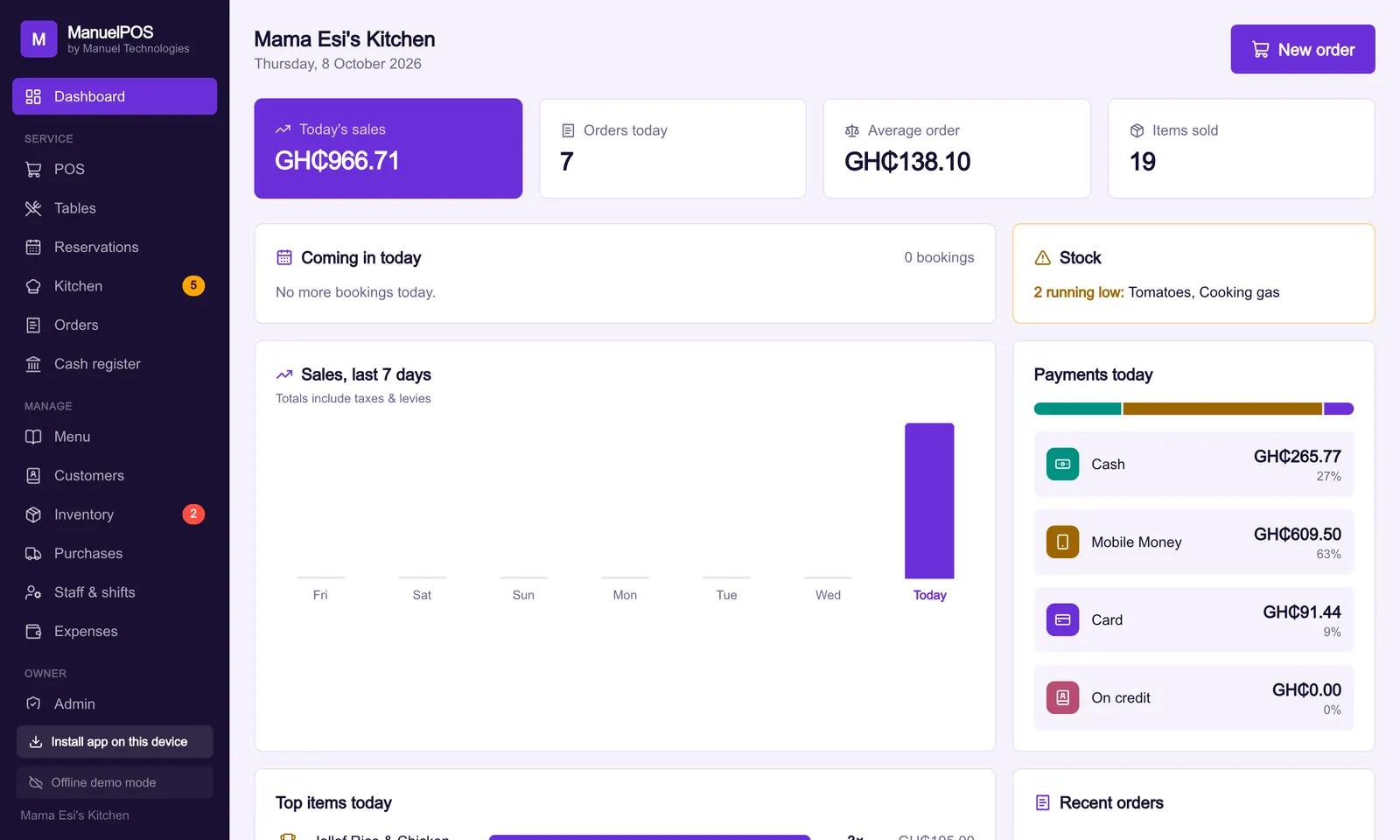
The short answer
The cost of a POS system in Ghana depends on five things: the software fee (monthly, or one-time with a yearly renewal), any hardware you need, setup and training, running costs such as data and SMS, and any charge on your customers' payments. Compare the total over three years, not the price on day one.
Key takeaways
- A POS has five costs: software, hardware, setup and training, running costs, and payment charges.
- Compare quotes over three years. The cheapest start is often the most expensive system.
- You may not need new hardware: many systems run on a phone, tablet or laptop you already own.
- Ask whether installation outside Accra costs extra, and whether there is any charge on your customers' payments.
- Get every price in writing, including what happens if you stop paying.
"How much is it?" is the first question every owner asks about a POS system, and the hardest to answer from a price list. A quote can look cheap because it leaves things out: the printer, the travel to install it, the monthly fee that starts after the first year, or a cut of every MoMo payment.
The way to compare is to list every cost, then add them up over three years. Here are the five costs, and the questions that reveal them.
What are the costs of a POS system?
There are five. Every quote you get should say something about each one, even if the answer is "none".
Your three-year cost
- SoftwareGH₵40.00 (40%)
- HardwareGH₵25.00 (25%)
- Setup and trainingGH₵15.00 (15%)
- Running costsGH₵10.00 (10%)
- Payment chargesGH₵10.00 (10%)
Source: Example figures: the shares vary by business
1. The software
This is the price of the system itself, and it comes in two main shapes.
- A monthly subscription: cheap to start, but it never ends, it can rise, and the system usually stops if you miss a payment.
- A one-time licence with a yearly renewal: more on day one, then a smaller yearly fee for the parts that cost money to run, such as cloud backup, syncing between devices, updates and support.
We compare the two in detail in one-time licence or monthly subscription.
2. Hardware
Some systems need a dedicated terminal you buy or rent from them. Others run in a browser or an app on the phone, tablet or laptop you already own, which can bring this cost close to zero.
Even then you may want extras: a thermal receipt printer, a barcode scanner for a shop or pharmacy, a cash drawer. Get prices from more than one supplier, and ask whether the POS company marks hardware up.
3. Setup and training
Someone has to load your products and prices, set up your staff logins and train everyone. Ask whether this is included, whether it happens at your premises, and whether it costs more outside Accra. A system that nobody is trained to use is the most expensive one of all, because you pay for it and go back to the exercise book. Our guide to POS installation and training explains what a good setup includes.
4. Running costs
These are small but they add up: mobile data or internet for the devices, SMS if you send receipts or booking reminders by text, receipt paper, and replacing a device when one breaks.
5. Charges on your customers' payments
Some systems take a percentage of every card or mobile money payment that goes through them. On a busy shop, a small percentage can cost more than the software. Ask directly: "Is there any charge on my customers' payments, and who receives the money?"
How do you compare two quotes?
Add up every cost over three years. Three years is long enough to show what the monthly fees and renewals really cost, and short enough to plan for.
| Cost | System A: monthly | System B: one-time plus yearly |
|---|---|---|
| Software, year 1 | GH₵3,600 | GH₵2,500 |
| Software, years 2 and 3 | GH₵7,200 | GH₵2,250 |
| Terminal | GH₵2,000 | None (own tablet) |
| Receipt printer | Included | GH₵900 |
| Installation outside Accra | GH₵500 | Included |
| Payment charges | 1% of MoMo sales | None |
| Three-year total, before payment charges | GH₵13,300 | GH₵5,650 |
These are example figures, not real prices. Put your own quotes into the same table and the answer usually becomes clear. Notice the payment charge on System A: on GH₵20,000 of MoMo sales a month, 1% is another GH₵200 a month, or GH₵7,200 over three years.
What questions should you ask before you pay?
Ask these and get the answers in writing. A WhatsApp message is enough.
- What do I pay once, and what do I pay every year or month?
- Can the yearly or monthly fee go up?
- What hardware do I need, and must I buy it from you?
- Is installation and training included, and where?
- Is there any charge on my customers' payments?
- What does SMS cost, if I use it?
- Is there a free trial with my own products?
- What happens to my till and my data if I stop paying?
- How many devices, tills and branches does the price cover?
- Who do I call for support, and does it cost extra?
The question about stopping matters most. If a missed payment locks your till on a Saturday, the system is cheap only until the day it costs you a day's sales. Ask also whether you can download your records if you leave; our guide on who owns your sales data explains why.
How is MPOS priced?
MPOS has no price list, because a single-chair barbershop and a mini-mart with three branches need very different setups. We agree one setup and licence fee with each business, based on its size, tills and branches, and write it down. Each year after that, a renewal of 45% of that same fee covers cloud sync, your online page, updates and support.
What the fee includes and leaves out:
- No monthly charge, and no free plan that might not be free next year.
- No hardware to buy from us. MPOS runs on the phones, tablets and laptops you already own. For printers, scanners and cash drawers we point you to a supplier we trust, with no markup.
- Installation and training at your premises, anywhere in Ghana, as part of the setup fee.
- No charge on your customers' payments. Cash and MoMo go straight to your own accounts; MPOS records them but never handles the money.
- If a renewal is late, the till keeps selling and nothing is deleted.
You can see the details on our pricing page, or start a free trial with your own products before you agree anything.
See it with your own products
Free for 14 days. No card needed. Works on the phone or laptop you have.
FAQ
Frequently asked questions
Quick answers to what business owners ask us about this.
How much does a POS system cost in Ghana?
It depends on five costs: the software (monthly, or one-time with a yearly renewal), hardware, setup and training, running costs such as data and SMS, and any charge on customer payments. Compare quotes by adding up all five over three years.
Is a monthly or one-time POS cheaper?
A monthly subscription is cheaper to start but usually costs more over three years. A one-time licence with a smaller yearly renewal often costs less overall, and with some systems the till keeps working if a renewal is late.
Do I need to buy a POS machine?
Not always. Some systems need a dedicated terminal; others run on the phone, tablet or laptop you already own. You may still want a receipt printer, barcode scanner or cash drawer.
Do POS systems charge a fee on MoMo payments?
Some do: they take a percentage of each card or mobile money payment that goes through them. Others only record the payment while the money goes straight to your own wallet. Ask before you sign.
How much does MPOS cost?
MPOS agrees one setup and licence fee with each business based on its size, tills and branches, then a yearly renewal of 45% of that fee. There is no monthly charge, no hardware to buy from us, and installation and training are included anywhere in Ghana.
Still have a question?
Talk to the team on WhatsApp: real people in Ghana who know your kind of business.
About the author
Emmanuel Akyeam is the founder of Manuel Technologies in Ghana, which builds MPOS: the till, bookings and stock system for restaurants, salons, barbershops and shops. He works directly with business owners to set up their systems.
You may also like
- Running a business
Who owns your sales data? What to ask a POS company before you sign
Your till knows what sells, who owes you and who your best customers are. The questions that keep that record yours, and the warning signs to look for.
2 November 2026 · 7 min read
- Running a business
POS installation and training: what to prepare and what to expect
What a proper POS setup day looks like, what to have ready before the visit, how to train each member of staff, and the questions to ask whoever installs it.
2 November 2026 · 6 min read