The short answer
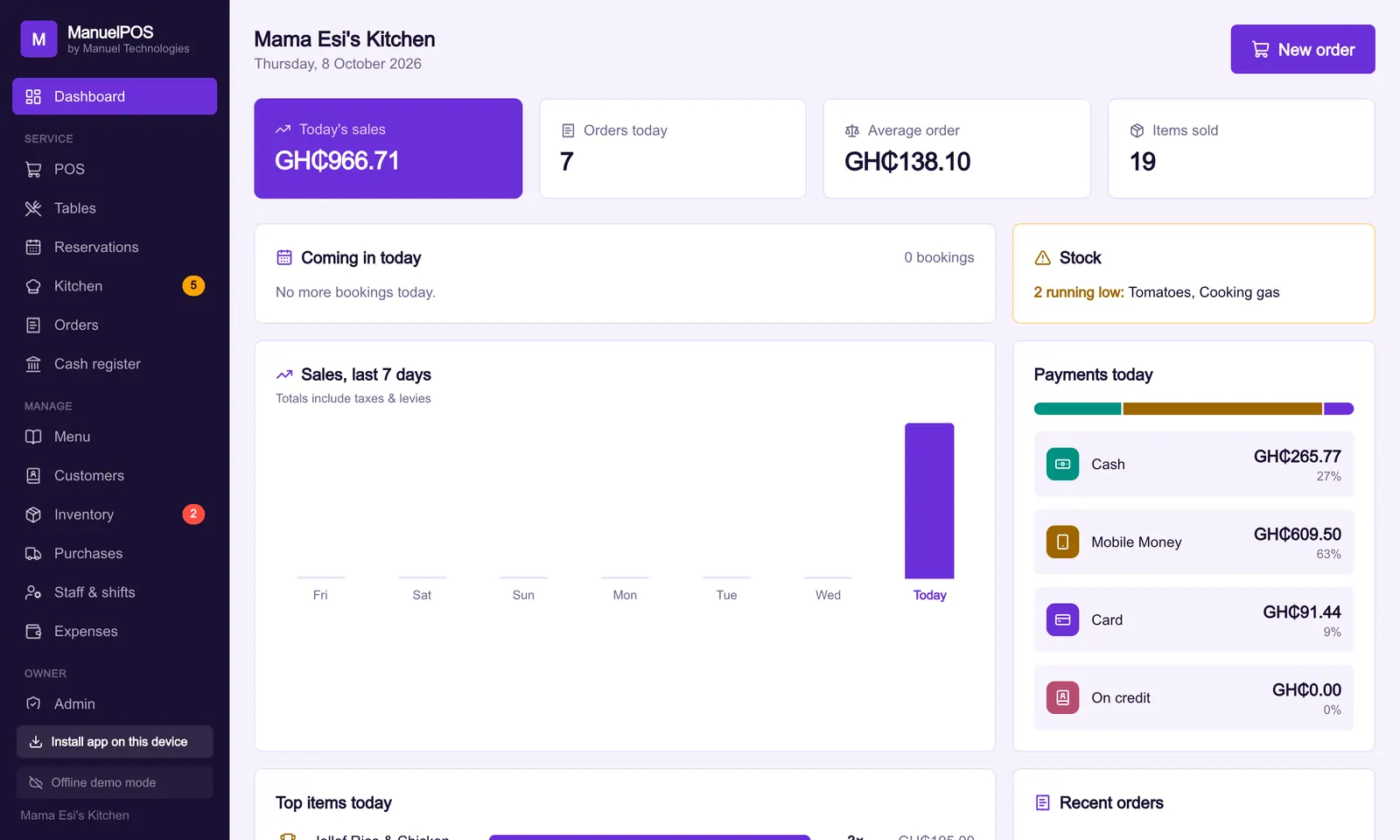
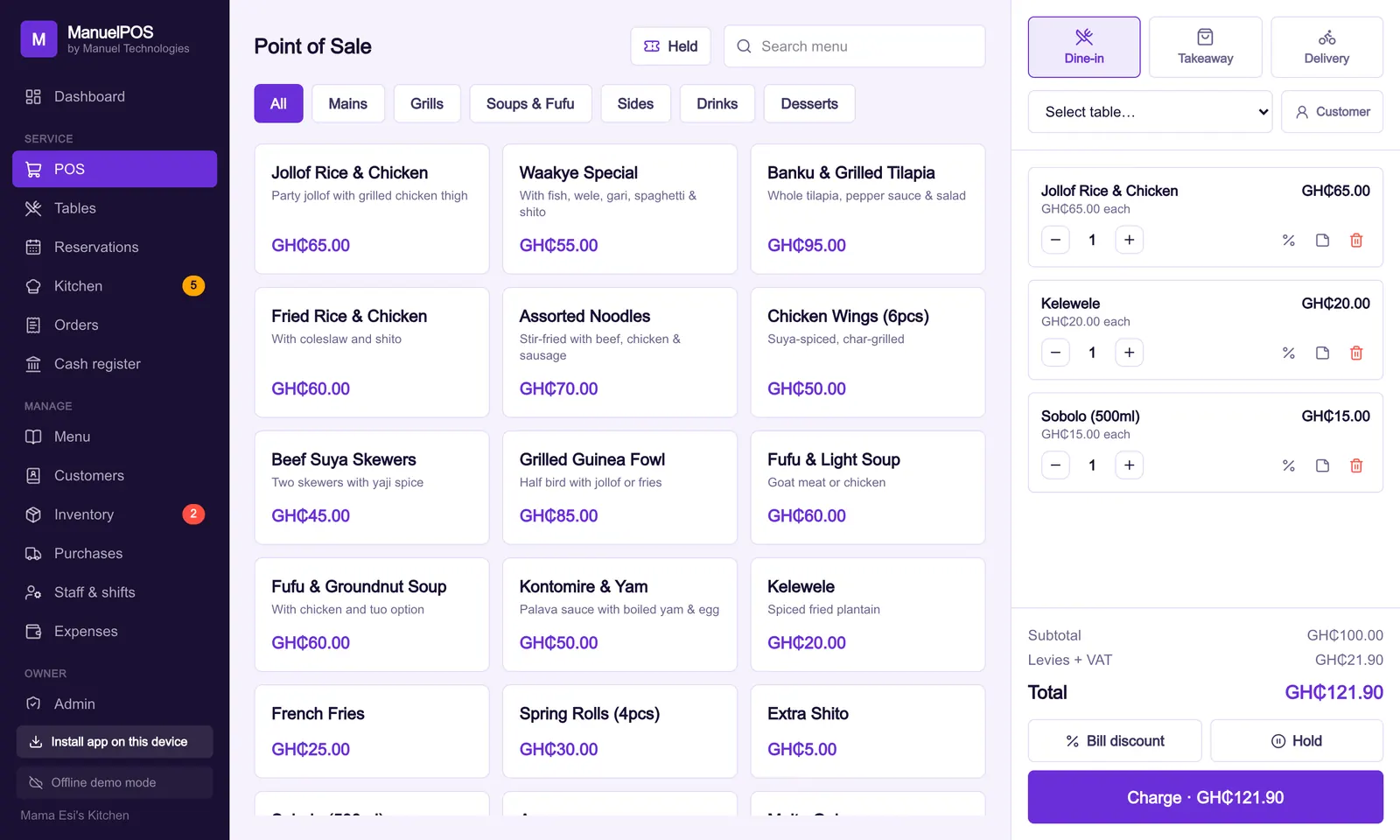
Aronium is a free Windows till for one shop counter, with paid add-ons. ManuelPOS runs on the phones, tablets and laptops you already have, keeps selling offline, lets you check every branch from anywhere, and includes Mobile Money tracking, the 2026 GRA tax maths, bookings and the books in one licence.
Key takeaways
- Aronium Lite is free on one Windows computer; Aronium Pro is USD 10 a month per store for several computers in one store.
- ManuelPOS runs in the browser on any phone, tablet or laptop, works offline, and syncs every till and branch to the owner.
- Several things that are paid plugins on Aronium (price lists, kitchen printing, email reports) are part of ManuelPOS.
- ManuelPOS adds what Ghanaian businesses ask for: MoMo transaction IDs, GRA VAT, NHIL and GETFund, bookings and WhatsApp.
- Aronium is a good choice for one counter that never needs to be checked from outside the shop.
Aronium is a well-known point of sale program from Aronium GmbH in Berlin. Many shops in Ghana met it because the basic version is free. ManuelPOS is made in Ghana for Ghanaian shops, chop bars, restaurants, salons, barbers and beauty businesses. Both sell, print receipts and track stock. They differ in where they run, what is included, and how much of a Ghanaian business they cover.
Everything we say about Aronium below comes from aronium.com, checked on 14 October 2026. Prices and features can change, so check their site before you decide.
Where does each one run?
Aronium is, in its own words, "built as a native Windows application". It runs on Windows 7, 8, 10 or 11. The free Lite version runs on one computer. Aronium Pro connects several computers in one physical store to a single database on a computer in that store.
ManuelPOS runs in the web browser, so it works on an Android phone, an iPhone, a tablet, a Windows laptop or a Mac, and it can be installed like an app. It keeps working when the internet goes off and uploads the sales by itself when the connection comes back. Every till and every branch syncs to the same business, so the owner can see today's sales from anywhere.
For a single counter with a Windows computer that never leaves the shop, Aronium's model is simple. For a business with a phone at the barber's chair, a tablet at the restaurant door and a laptop at home, ManuelPOS fits better.
What does each one cost?
| Cost | Aronium | ManuelPOS |
|---|---|---|
| Starting point | Lite: free, one computer | 14-day free trial, full features |
| More tills | Pro: USD 10 a month per store | Included |
| Price lists (retail and wholesale) | Plugin: USD 5 a month per store | Included |
| Kitchen and bar printing | Plugin: USD 5 a month per store | Included |
| Emailed sales report | Plugin: USD 30 a year per store | Weekly report included |
| How you pay | Monthly or yearly subscription | One setup and licence fee agreed with you, then a yearly renewal for cloud, data and support |
Aronium's free version is genuinely free, with no time limit. If you only need one register and nothing from the paid list, that is hard to beat on price. If you need several tills, wholesale prices and kitchen printing, the subscriptions add up every month.
Features side by side
| What you need | Aronium | ManuelPOS |
|---|---|---|
| Sell, print receipts, barcodes | Yes | Yes |
| Weight barcodes from a scale | Yes | Yes |
| Loyalty and credit customers | Yes | Yes, with statements and ageing for every customer |
| Promotions and happy hour | Yes | Yes |
| Expiry dates | Free plugin | Yes, by batch |
| Low stock warnings | Free plugin | Yes, per branch |
| Works without internet | Runs on the shop computer | Keeps selling offline, then syncs |
| Check sales from home | Not offered on aronium.com | Yes, every till and branch |
| Several branches | Not offered on aronium.com | Yes, with stock per branch |
| Mobile Money | Custom payment types | MoMo with transaction IDs, paid straight to your own wallet, reconciled |
| Ghana tax | General tax settings | VAT 15%, NHIL 2.5% and GETFund 2.5% under the 2026 rules, prices with tax included |
| Appointments and walk-ins | No | Yes, with an online booking page |
| WhatsApp receipts and reminders | No | Yes |
| Accounts: ledgers, vouchers, trial balance | No | Yes, posted from every sale |
| Phones and Macs | Windows only | Any device with a browser |
What does ManuelPOS add for Ghana?
Mobile Money you can check. Most takings in Ghana come in by MoMo. ManuelPOS records the transaction ID on every MoMo payment, sends the money to your own wallet (we never hold it), and lets you match the month's MoMo against your wallet statement.
The 2026 GRA tax maths. Under the VAT Act, 2025 (Act 1151), VAT, NHIL and GETFund are charged on the same value. ManuelPOS works this out on every sale. Businesses whose prices already include tax get receipts where the items add up to the total, with the taxes shown inside it.
Bookings for salons and barbers. Appointments, a walk-in queue, commission per stylist, and a booking page on your own web address that customers can use from their phones.
Owner control from anywhere. Each staff member has their own login and role. Voids, refunds and big discounts need a manager, and the owner sees who did what, even from another town.
The books, without a second program. Every sale, purchase, expense and cash movement is posted to ledgers the way an accountant expects, with a day book and trial balance. Read our comparison with Tally for more on that side.
When is Aronium the better choice?
Aronium is a sensible pick if all of these are true:
- You have one counter and a Windows computer that stays in the shop.
- You never need to check sales from outside.
- You do not need bookings, MoMo transaction IDs or branches.
- Free matters more to you than anything on the list above.
How to switch
ManuelPOS imports products and customers from Excel or CSV, and it recognises the columns of Aronium's own product export, so your items, prices, barcodes and tax settings come across without retyping. Duplicate barcodes and missing prices are flagged before anything is saved. Start the free trial, import your products, and run both side by side for a day before you decide.
See it with your own products
Free for 14 days. No card needed. Works on the phone or laptop you have.
Sources
FAQ
Frequently asked questions
Quick answers to what business owners ask us about this.
Is Aronium free?
Aronium Lite is free with no time limit on one Windows computer. Aronium Pro, for several computers in one store, costs USD 10 a month per store, and some plugins are paid (aronium.com, October 2026).
Does ManuelPOS work without internet like Aronium?
Yes. ManuelPOS keeps selling and printing receipts offline and uploads the sales by itself when the connection returns. Unlike a program on one computer, every till and branch then syncs so the owner can see them.
Can I use ManuelPOS on my phone?
Yes. It runs in the browser on Android phones, iPhones, tablets, Windows laptops and Macs, and can be installed like an app. Aronium runs on Windows computers.
Can I move my products from Aronium to ManuelPOS?
Yes. ManuelPOS reads Aronium's product export file, recognises its columns, and flags duplicate barcodes and missing prices before anything is saved.
Still have a question?
Talk to the team on WhatsApp: real people in Ghana who know your kind of business.
About the author
Emmanuel Akyeam is the founder of Manuel Technologies in Ghana, which builds ManuelPOS: the till, bookings and stock system for restaurants, salons, barbershops and shops. He works directly with business owners to set up their systems.
You may also like
- Running a business
ManuelPOS vs Tally: do you need both a till and Tally?
What TallyPrime and Tally.ERP 9 are built for, what ManuelPOS does at the counter and in the books, and when a business needs one, the other or both.
14 October 2026 · 4 min read
- Running a business
Ghana VAT in 2026: what changed on your receipts
From 1 January 2026, VAT, NHIL and GETFund are charged on the same price, the COVID-19 levy is gone and the flat rate scheme has ended.
12 October 2026 · 4 min read